References Page Template for a Resume: What to Include
References page template for resume applications: see what to list, how to format each contact, when to send it, and what to do if you need references.
By Ultimate Resume Kit by Cosmo Suite · Editorial policy
Published · 8 min read
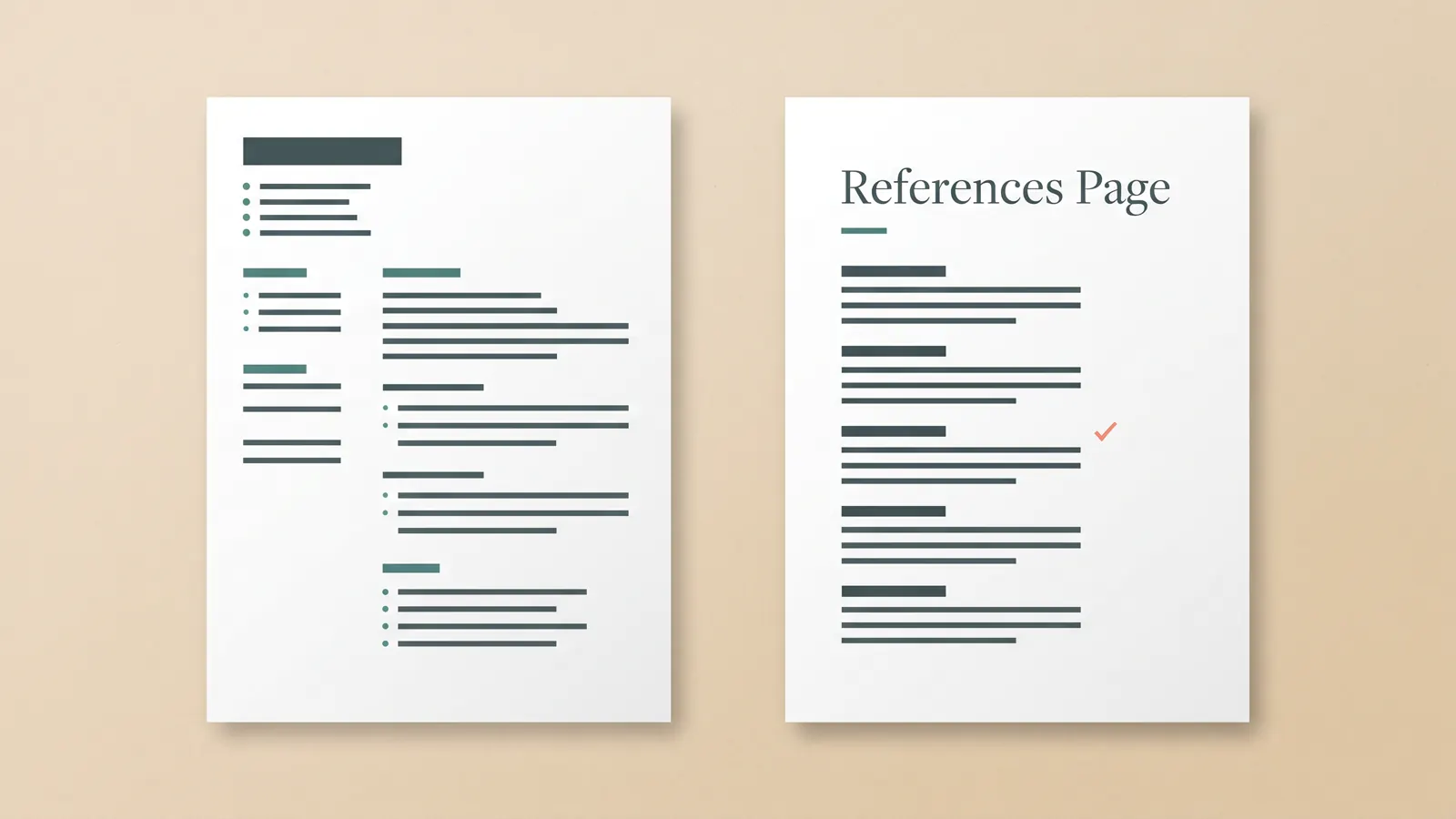
If an employer asks for references, prepare a separate page that matches your resume and lists only people who have agreed to be contacted. If the application does not ask for references, you usually do not need to attach the page or add a “references available upon request” line. The job posting's instructions come first.
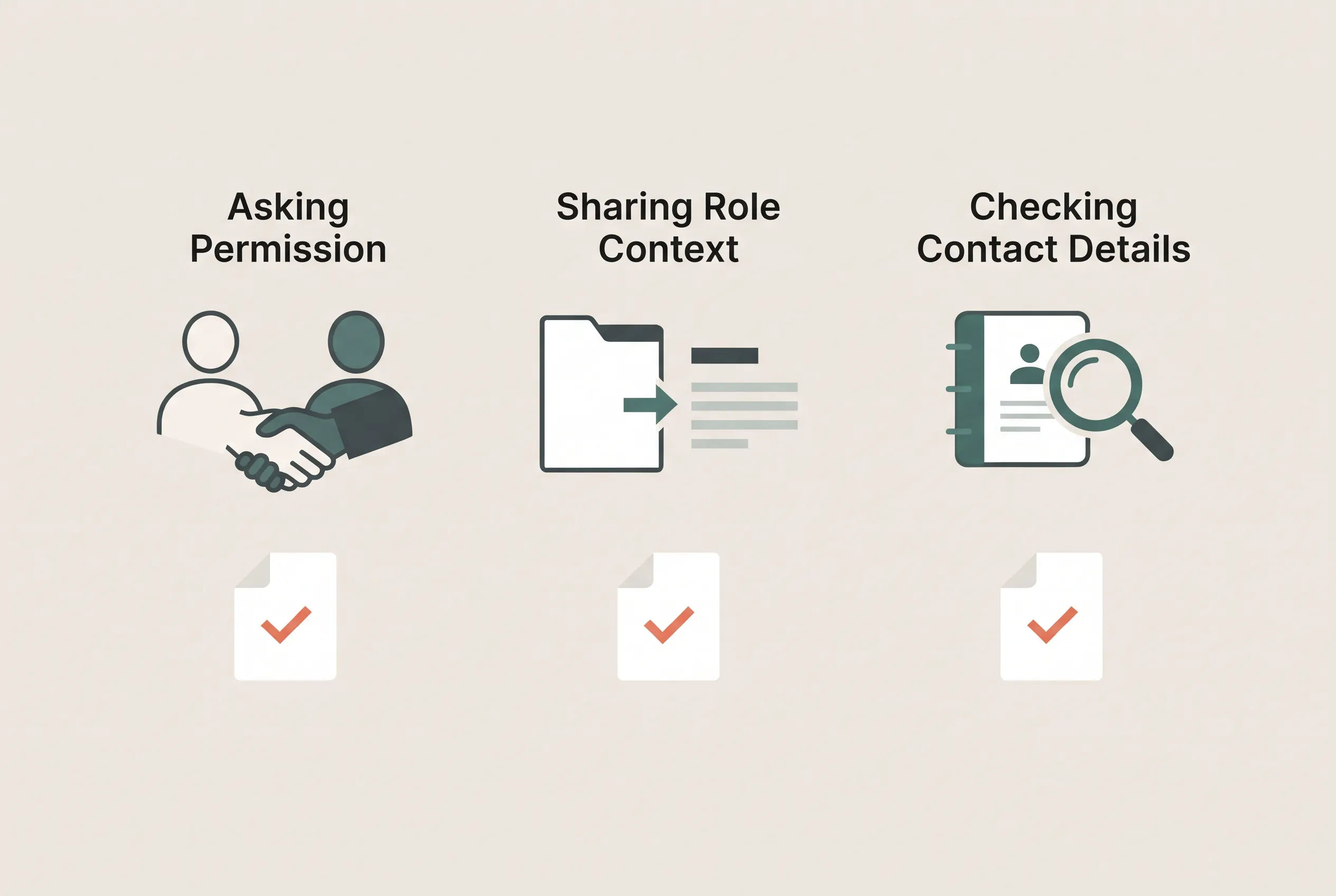
Start by choosing people who can speak to your work and confirming they agree to be contacted. Give them enough context to respond, then use a simple layout so the employer can identify each person and reach them using the details they approved.
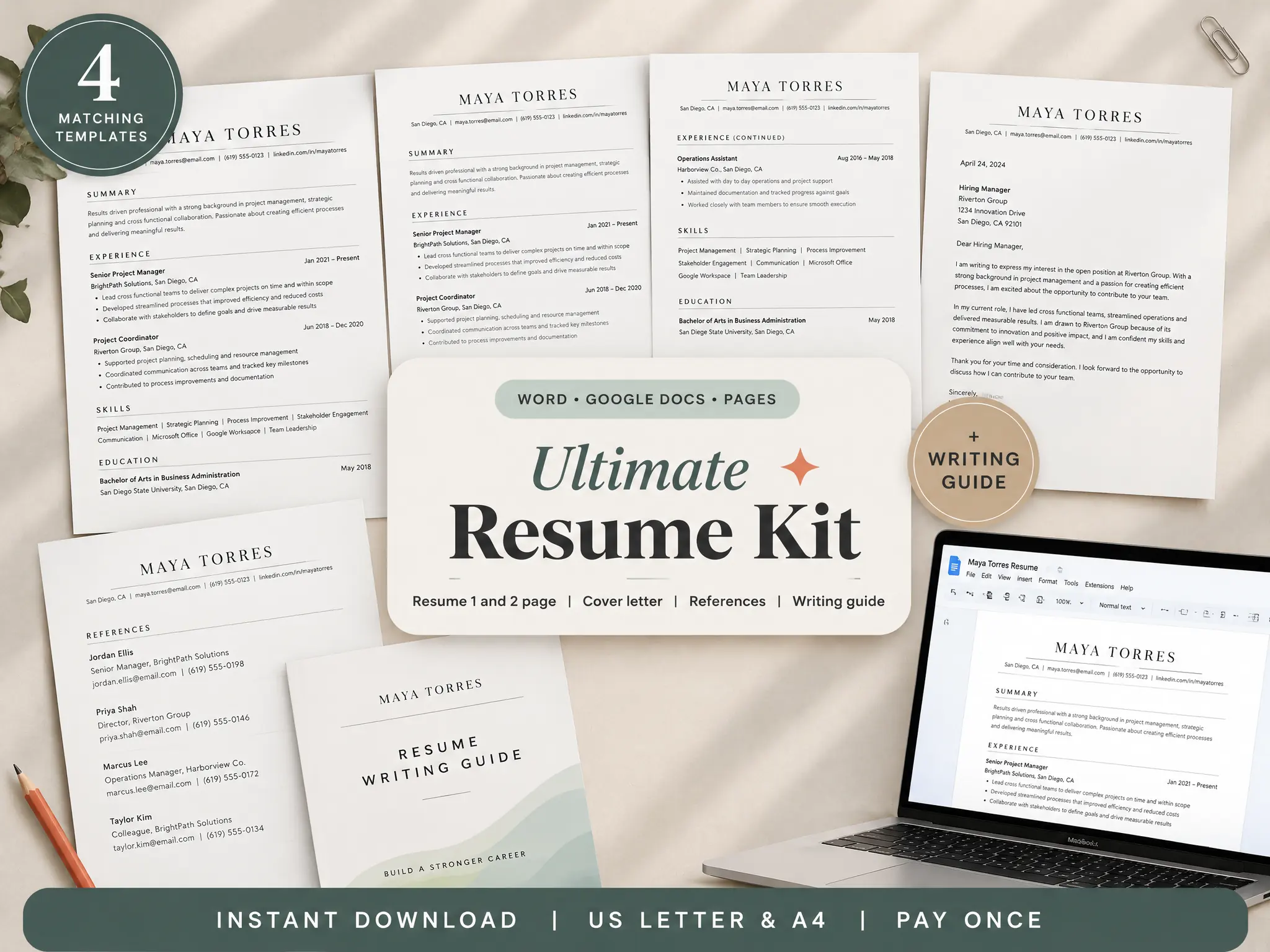
If you are preparing the whole application set, the resume kit includes a matching cover letter and references page alongside one-page and two-page resume versions.
Key takeaways:
- Send a separate references page when the employer asks for it.
- Ask each person before sharing their contact details.
- Match the resume's look and follow the application instructions.
What belongs on a resume references page?
A resume references page identifies each person, their role and organization, how they know your work, and the contact details they have agreed to share. Michigan State University Career Services recommends a polished, stand-alone page that matches the resume, and says to provide references only when asked. Its sample reference page also advises asking permission and giving each person context.
A reference page is a separate document for sharing contact details when an employer asks for references. The entries below use placeholders so you can see the order without exposing anyone's personal information.
Use this as a fill-in structure. It is an illustrative layout, not a required universal format. Follow the job posting if it asks for different details or a specific file type.
[Your full name]
[City, State] · [Phone] · [Email]
REFERENCES
[Reference name]
- Role and organization: [Role] at [Organization].
- Relationship: [How this person knows your work].
- Approved email: [Email address].
- Approved phone: [Number, if requested].
[Reference name]
- Role and organization: [Role] at [Organization].
- Relationship: [How this person knows your work].
- Approved email: [Email address].
- Approved phone: [Number, if requested].
[Reference name]
- Role and organization: [Role] at [Organization].
- Relationship: [How this person knows your work].
- Approved email: [Email address].
- Approved phone: [Number, if requested].
The page does not need a paragraph about each person. A brief relationship label gives useful context, such as “former project lead” or “course instructor.” Use the person's current title and organization only after confirming them. If someone has changed roles, ask how they would like their affiliation shown.
Avoid placing personal contact information on the page without permission. Ask which email address and phone number they prefer you to share. If the employer requests only email addresses, do not add extra details just to fill space.
Should you attach references to every resume?
No. Send a references page when the posting or application asks for one. Michigan State's reference page guidance says to provide references only when asked and notes there is no need to write “references available upon request” on the resume.
| What the employer asks for | What to send |
|---|---|
| No references mentioned | Send the requested application materials. Keep your prepared reference page for later. |
| References requested with the application | Attach the separate page, using the requested number, fields, and file format. |
| References requested at a later stage | Share the page through the channel and by the date the employer gives you. |
| The instructions are unclear | Ask the recruiter or hiring contact what they want before adding extra documents. |
A reference request is an employer's instruction to share people who can discuss your work. This keeps your application aligned with the request and avoids sending other people's contact details earlier than needed. It also gives you time to check every entry instead of assembling names at the last minute.
Use the number in the posting or application form. If the employer gives no count, contact the hiring team or a career adviser before deciding how many names to share. A short list of relevant people is easier to prepare and update than a longer list of contacts who have little to say about the work. The same rule applies to phone numbers, email addresses, and any extra details: include the fields the employer requests and your references have agreed to share.
If you are preparing a clean resume layout too, see this guide to an ATS-friendly resume format. Keep the references page as a separate document unless the employer explicitly asks you to combine files.
How do you choose and prepare each reference?
Choose people who have seen the kind of work you want to discuss and can describe it accurately. A former supervisor may fit one role; an instructor, project lead, volunteer coordinator, or client may be more relevant for another. The strongest fit is someone who knows your work, not simply someone with an impressive title.
A professional reference is someone who can speak about your work from direct experience. A title alone does not tell the employer what the person knows about you.
Ask each person directly before adding them. Michigan State's sample reference page advises choosing people who know your work, asking permission, and providing context. UC Berkeley Career Engagement also recommends contacting references, asking permission, keeping them updated, and sharing the job description when references are requested.
A short request can be simple:
Would you be comfortable serving as a reference for roles in [field or job type]? I worked with you on [project or responsibility]. I can send my resume and the job description. Which contact details would you like me to share?
Use words that fit the relationship. If the person says no or cannot respond in time, thank them and ask someone else. Do not list a person while waiting for an answer.
After someone agrees, send a short context note with the role, employer, application timing, and the work you hope they can speak about. When you apply, tell them the employer may contact them. If your search changes direction, send an update rather than letting the details go stale.
What if you do not have professional references yet?
Start with people who can speak to relevant work, even if that work did not happen in a full-time job. A class project, internship, volunteer role, client assignment, or community project may give someone a specific basis for describing your contribution. Ask the employer whether that kind of reference meets its request if the instructions are narrow.
For a first job, a teacher or project supervisor may know your reliability, research, collaboration, or follow-through. After a career break, a former manager or colleague may still be a useful reference if they are comfortable speaking about your past work. Do not ask someone to claim knowledge they do not have.
For example, someone applying for a first role after a class project could ask the instructor who supervised that project. They should describe the work accurately and check whether the employer accepts an academic reference.
If you are returning after time away, your resume can explain the timeline separately from the reference page. Our examples for explaining an employment gap on a resume cover ways to label a break without putting private details into the references section.
No suitable person comes to mind? You can apply without attaching a reference page when it is not requested. If it is required, ask a career adviser or the employer what alternatives they accept. Never invent a reference or use a person's details without their consent.
How should the page match your resume?
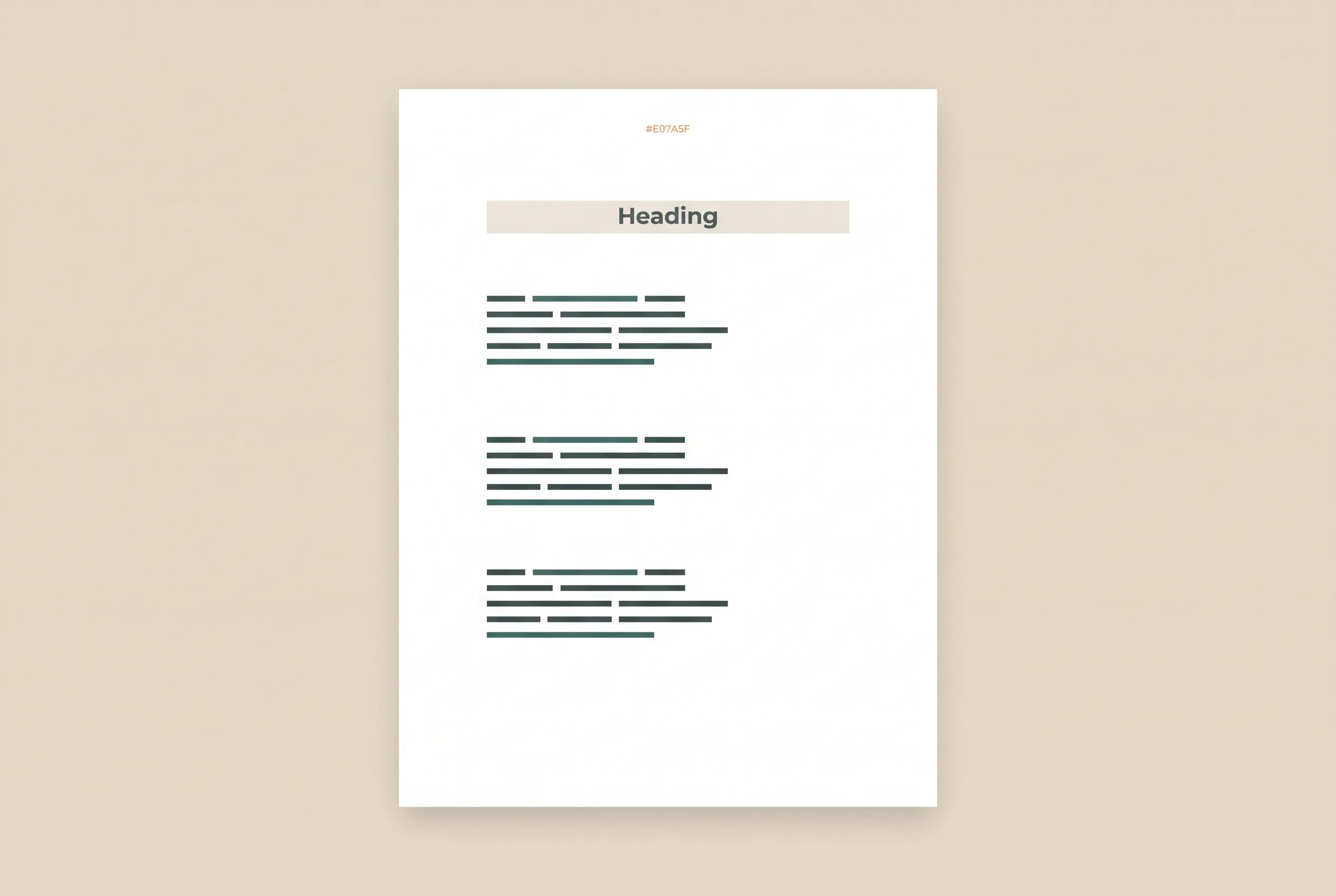
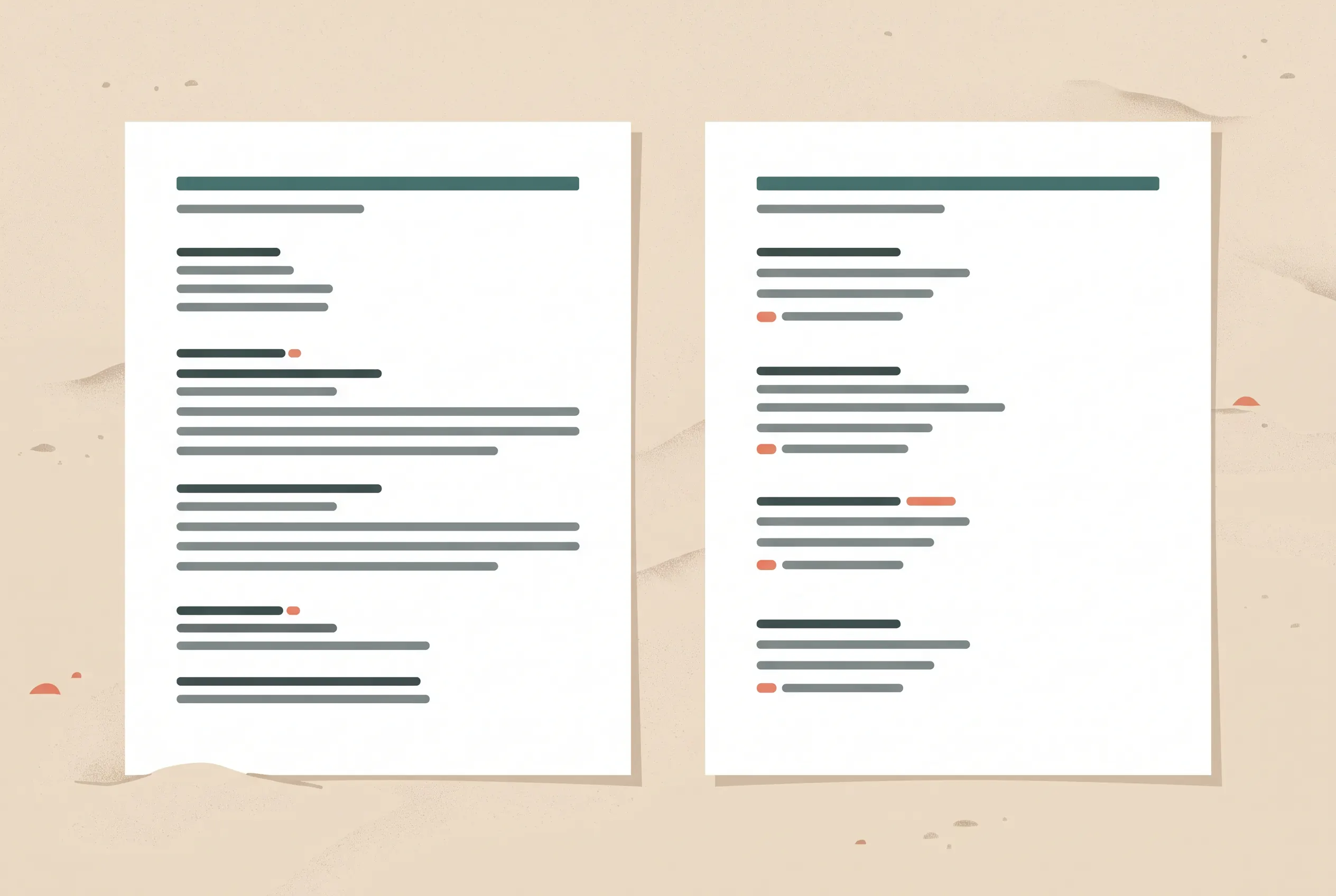
Use the same name line, type choices, accent color, and general spacing as the resume. Keep the page visually consistent with the resume and easy to scan. A reader should recognize that the documents belong together while being able to scan the names and contact details quickly.
Keep the layout plain. A single column with clear labels makes each entry easy to follow. Use consistent spacing between people and keep each person's details together. If your resume has a narrow header, repeat only the information needed to identify you; there is no need to repeat your full work history.
Check the page at normal zoom and as a PDF. Long organization names and email addresses should wrap cleanly. Make sure the text is selectable, the headings remain readable, and no contact line is pushed onto another page. If a field is not requested and the person has not approved sharing it, remove it.
What should you check before sending the page?
Run through these checks once the employer asks for references:
- Read the instructions. Confirm whether references are required now, how many are requested, and whether the employer specifies a form or file type.
- Confirm permission. Check that each person still agrees and that the contact details on the page are the ones they approved.
- Refresh the facts. Verify names, titles, organization names, email addresses, and phone numbers with each person.
- Give useful context. Send the role description and your current resume when appropriate, then let each reference know the application timing.
- Proof the document. Check spelling, links, spacing, page count, and the exported PDF. Make sure no sample placeholders remain.
- Share it carefully. Upload the page only through the employer's requested application channel. Keep a copy of what you sent.
The page is ready when every person has agreed, every detail is current, and the file follows the employer's instructions.
Where the Ultimate Resume Kit fits
The Ultimate Resume Kit includes a one-page and two-page resume, a matching cover letter, a references page, and a writing guide. The files are listed for Word, Google Docs, and Pages, in US Letter and A4, with five color themes. Check the kit contents to see whether those formats fit the application you are preparing.
The useful part of a template is the starting structure: you can keep the resume and references page visually consistent, then replace the sample text with your own details. You still need to choose appropriate references, confirm permission, and follow each employer's instructions. The template does not select or contact people for you.
If you are still choosing a resume format, begin with the one-column resume format guide. Once your application is ready, send a references page only when requested and only with details each person has approved.
Frequently asked questions
Should references be on a resume or on a separate page?
Use a separate page when an employer asks for references with your application. If the posting does not ask for them, leave the page out and do not add a references-available-upon-request line to the resume. Follow any instructions in the application system.
How many references should I put on a resume reference page?
Use the number the job posting or application asks for. If it does not specify a number, ask the employer or career adviser what is appropriate for that role rather than treating one number as a universal rule.
What information goes on a reference page?
For each person, provide their name, role, organization, how they know your work, and the contact details they have agreed to share. Check the employer's requested fields and your reference's preferences before sending it.
Should I ask someone before listing them as a reference?
Yes. Ask first, explain the kind of role you are applying for, and confirm which contact details they are comfortable sharing. Let them know when you submit their name and provide the job description when useful.
What if I do not have professional references?
Consider someone who can speak directly about relevant work, such as a project supervisor, instructor, volunteer coordinator, or client. Ask permission first. If you are unsure whether the person fits the employer's request, ask the employer or a career adviser.
Should I write references available upon request on my resume?
No. Michigan State University Career Services says there is no need for that line. Keep the resume focused on your qualifications and prepare a separate references page for a request.