Matching Resume and Cover Letter Template: What to Keep Consistent
Matching resume and cover letter template: align the header, type and spacing, then tailor each document and follow the employer's file instructions.
By Ultimate Resume Kit by Cosmo Suite · Editorial policy
Published · 8 min read
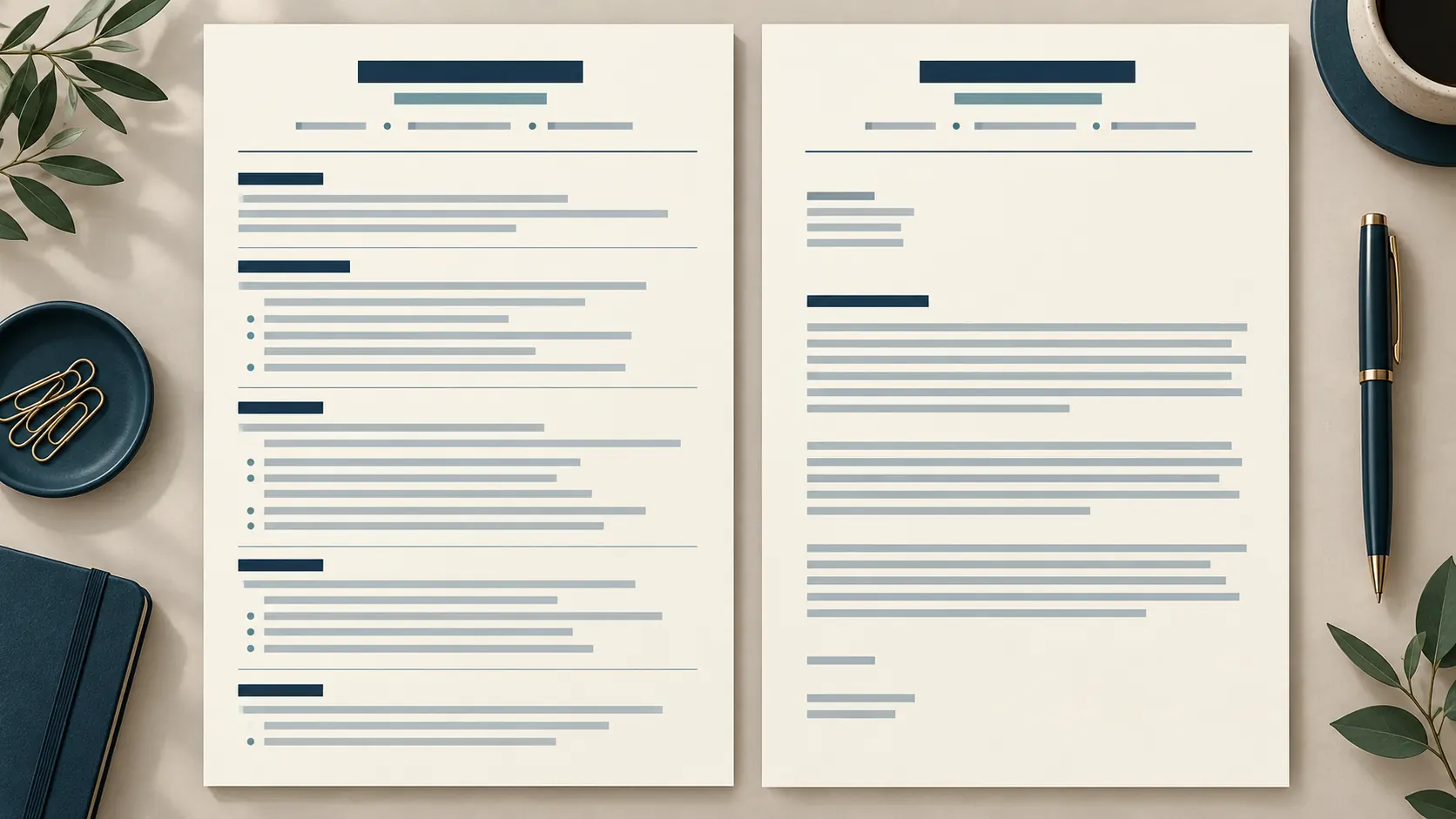
A matching resume and cover letter template should make the two pages look like a set without making them say the same thing. Keep the name, contact line, type style and spacing consistent. Let the resume list evidence in sections and bullets; let the letter explain why one or two pieces of that evidence fit this job.
A common sticking point is whether the documents need the same design or the same file. They do not always. A shared header and a few visual choices are usually enough; the employer's application instructions decide whether you upload one file or two. The examples below show what to match, what to tailor and how to check the final files.
Key takeaways:
- Repeat your name and contact details in the same form on both pages.
- Keep type, color, alignment and margins related, not necessarily identical.
- Use the cover letter to add context, not copy resume bullets into paragraphs.
- Follow the employer's instructions for file type, order and separate uploads.
- Reopen the exported files and check the page breaks before you apply.
Matching resume and cover letter template at a glance
A matching document set is a resume and cover letter that share a few visual cues while keeping different content roles. Use this quick check before you send an application.
| Element | Keep consistent | Let it differ | Why |
|---|---|---|---|
| Name and contact line | Name spelling, email, phone, portfolio link | Placement if the letter format needs room | The reader can identify both pages as yours |
| Type | Font family and readable size | Size of a title or section label | A similar type system makes the pair feel related |
| Color | One restrained accent, if used | Amount of accent on each page | The resume may use section labels; the letter may need only a rule |
| Margins and alignment | Page edges and left alignment | Paragraph lengths and section spacing | The documents have different content shapes |
| Body | Facts, dates and employer name | The resume lists evidence; the letter explains fit | Each page should add something useful |
| File | The application’s requested format | One combined file or separate files | The employer sets the submission rules |
Harvard's resume guidance recommends consistent formatting and the same font type and size. Treat that as a clean starting point. Your goal is a coherent pair that stays easy to read, not two pages with identical layouts.
Should a cover letter match a resume?
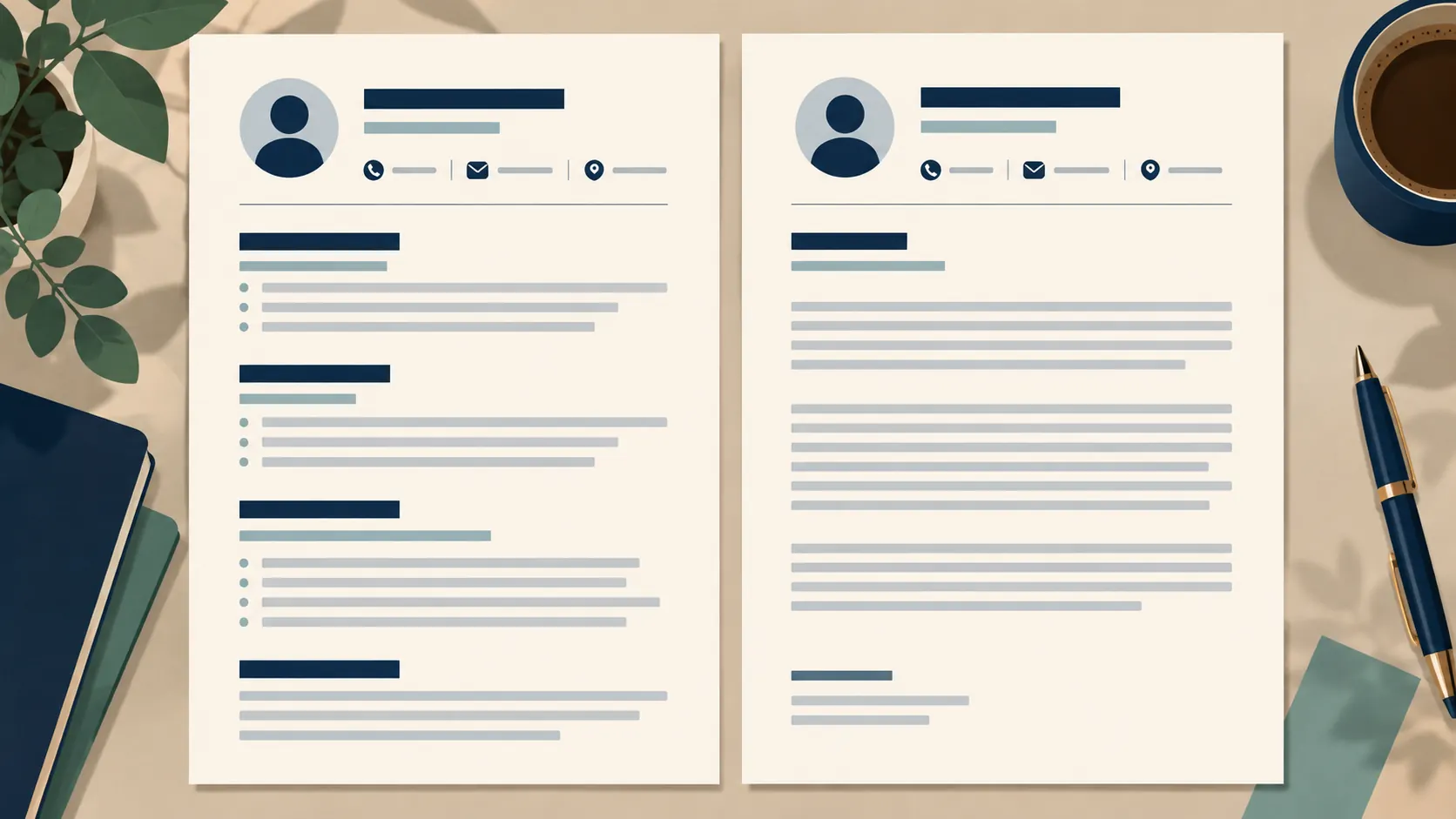
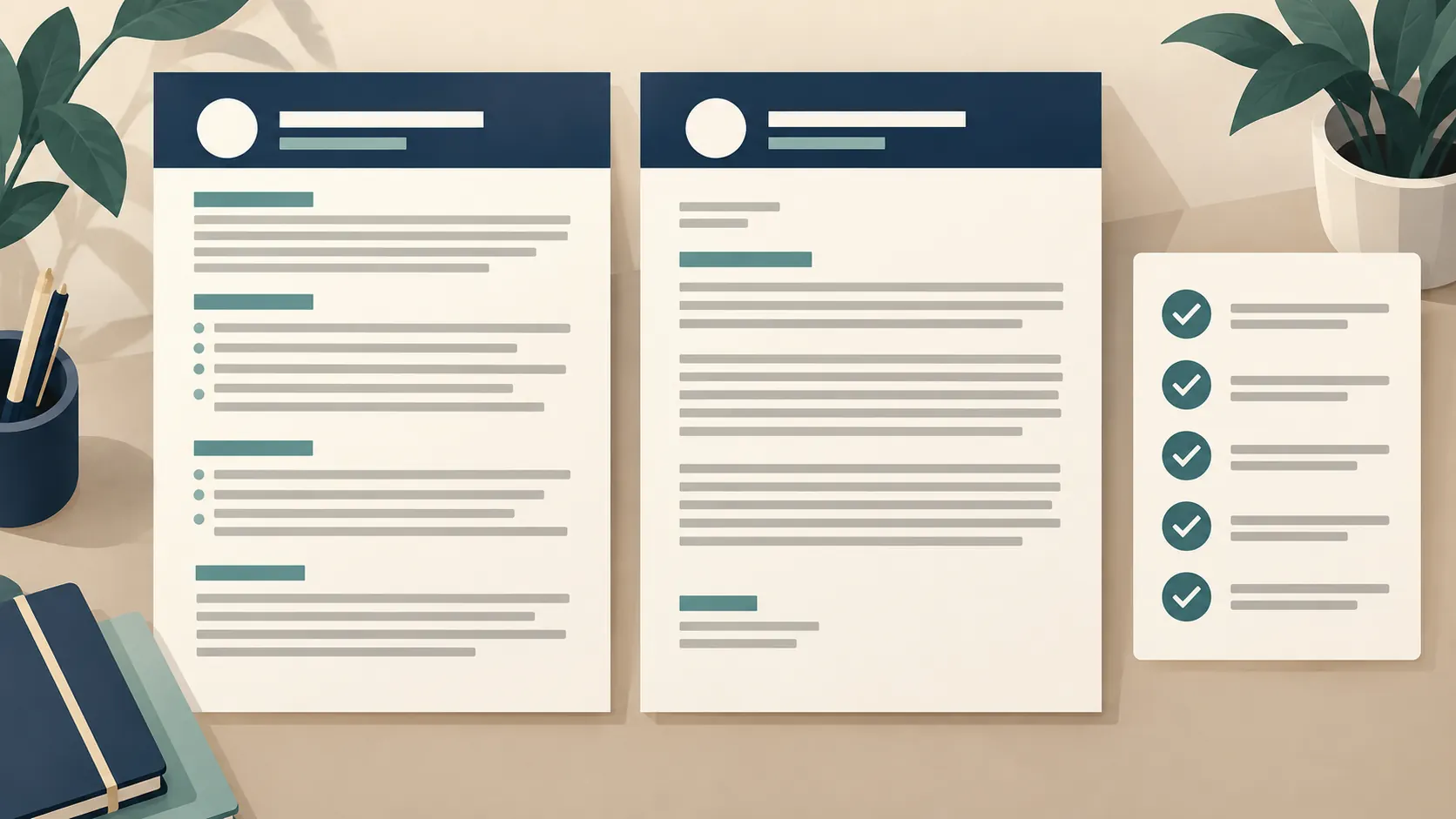
Yes, the pages should look related, but they do not need to be copies of one another. Match the parts a reader sees first: your name, contact details, font family, heading treatment, alignment and any accent color.
The letter and resume serve different purposes. The resume is a structured record of experience, education and skills. The letter introduces the application and connects selected experience to the role. CareerOneStop describes a cover letter as a way to explain how your skills and interests fit an employer's needs. That difference is a reason to keep the visual system, not the body layout, consistent.
For example, imagine a fictional applicant named Jordan Lee applying for an operations coordinator role. Jordan's resume has a navy name line, teal section headings and bullets about scheduling and vendor coordination. The letter can repeat the navy name line and teal accent, then use three short paragraphs to connect one scheduling example to the posting. It should not turn each resume bullet into a full paragraph.
If you are starting from a one-column resume format that keeps sections in a clear reading order, use its header and type choices as the visual reference for the letter. Keep the body simple enough that both pages still work when printed or exported.
What should match between the two documents?
Match a few visible details rather than every measurement. A consistent name block, type family, accent and page alignment can connect two otherwise different documents.
Start with your contact information. Use the same name, email address, phone number and relevant portfolio URL. Check for an old phone number or a different spelling in one file. A small mismatch can make the pair look like it came from two versions.
Next, choose one readable font for the main text. Harvard recommends using the same font type and size on the resume and cover letter. If the heading needs a larger size, keep the change deliberate and consistent. Do not shrink the letter simply to force it into a decorative header.
Then compare margins and alignment. If the resume has a left-aligned name and contact line, repeat that starting edge in the letter. A thin rule or one muted color can carry across both pages. You can use more section labels on the resume and fewer on the letter because the content differs.
A resume and cover letter template set with a shared header can make these choices easier to see before you add your details. Still check the actual text and page fit after you customize it.
What should stay different?
The body should differ because the documents answer different questions. Your resume shows what you have done; your letter selects the most relevant example and explains why it matters for this employer.
Keep the letter short: identify the role, connect one or two relevant examples to the employer's needs, then close with a clear next step. Harvard's application guidance warns against ignoring application instructions and advises applicants to make the documents specific to the opportunity. That means changing the employer name and role is not enough; the example should fit the posting.
Use this simple evidence map before writing:
| Job asks for | Resume evidence | Cover letter connection |
|---|---|---|
| Coordinate a busy schedule | A real project, role or task involving schedules | Explain the part you handled and why it is relevant |
| Communicate with vendors | A truthful example of external communication | Show how you kept people informed or resolved a handoff |
| Track details | A real record, process or tool you used | Explain how careful tracking supported the work |
These are prompts, not claims to copy. Replace them with your own experience. If you are explaining a career break, use only the context you are comfortable sharing and keep the dates accurate. This guide to explaining an employment gap on a resume covers options for placing that context.
Should the resume and cover letter be in the same file?
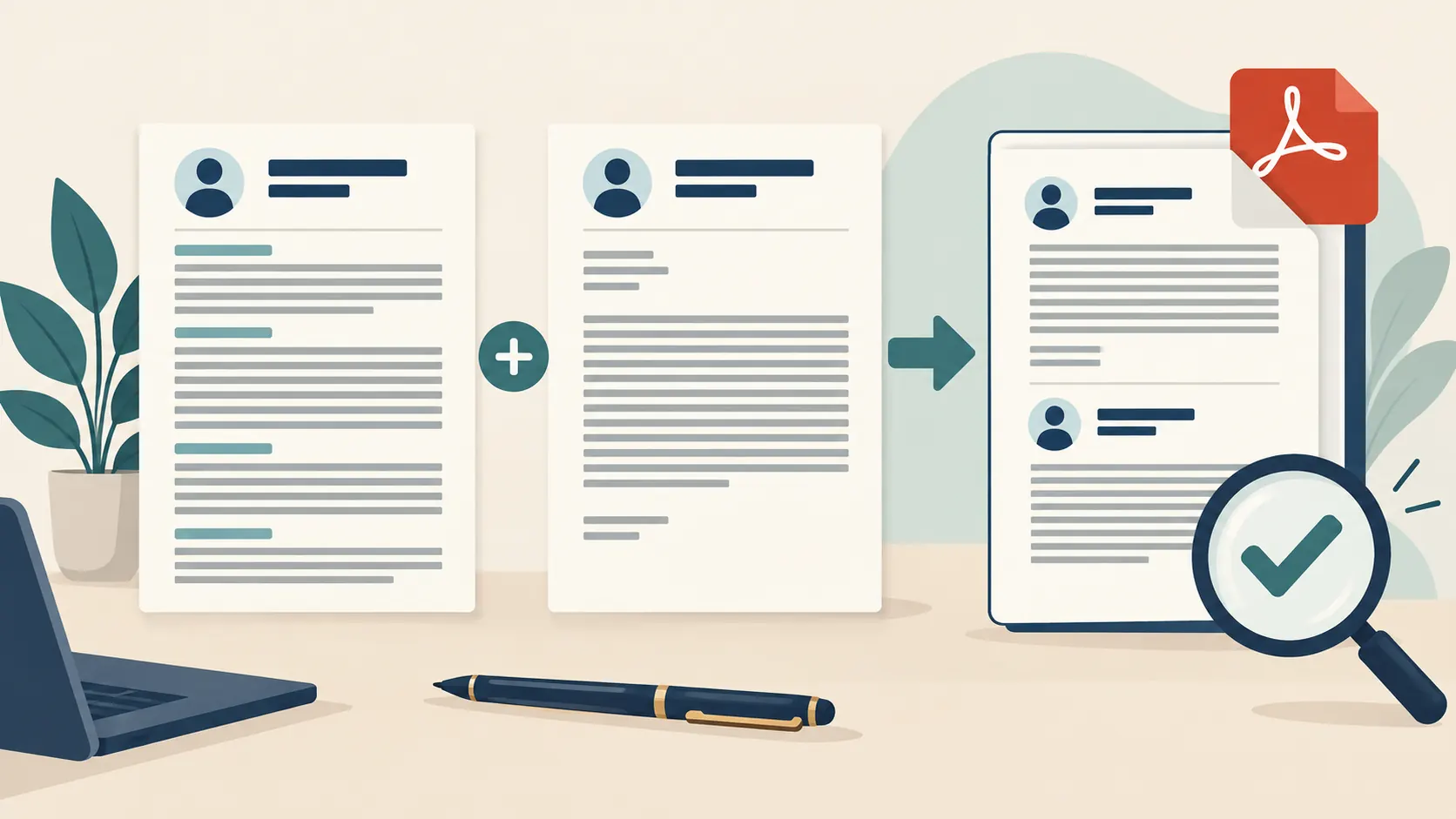
A combined application file is one exported document that contains both pages. Use it only when the employer requests one. An application may ask for separate documents, one combined PDF, or a specific file type. The upload fields and instructions settle the question for that application.
If the portal has separate fields, upload each document separately even if they share a design. If it requests one PDF, combine the pages in the requested order. If the posting specifies DOCX, do not substitute PDF because it looks more polished. Harvard's application guidance gives an example where the employer requests one PDF with a particular file name; its point is to follow the instructions as written.
When no format is specified, choose a text-based file that preserves the layout and opens on another device. Do not assume that a successful upload means the preview is correct. Check that the right pages appear in the right order and that no heading, signature or contact detail is cut off.
How do you check the pair before sending it?
Review the final exported files, not just the editable templates. A quick side-by-side check can catch mismatched contact details, broken page breaks and an incorrect employer name.
- Confirm the application instructions. Note the file type, required documents, naming format and whether uploads are separate.
- Update the shared header. Check your name, email, phone and portfolio link in both files.
- Compare the visual choices. Check the font, heading style, left edge, margins and accent color.
- Read the letter beside the resume. It should add context and make a specific connection, not repeat the same bullets.
- Export the files you plan to send. Open each exported copy and check spacing, page breaks and selectable text.
- Check the upload preview. Confirm each file landed in the right field and displays in the expected order.
- Proofread the employer details. Search for the company and role names so an old draft does not slip through.
Save each application version with a clear file name, such as Jordan-Lee-Operations-Coordinator-Resume.pdf. Use the employer's naming rule if it gives one. Keep an editable master copy separate from the exact files you submit.
What actually matters in a matching application set?
A clear match is useful when it makes the application easier to follow. It cannot replace accurate details, relevant examples or the employer's instructions.
Try this check: can a reader tell that the pages belong together, find your contact details, and see what each document adds? If yes, stop decorating. Use the remaining time to check dates, tailor the evidence and proofread the exported files. A restrained accent is easier to maintain than several colors, icons and page-specific flourishes.
For the letter, choose one example that supports a requirement in the posting and explain the connection in plain language. For the resume, keep the details factual and skimmable. Make sure the letter does not claim a result that the resume cannot support. A matching design should make the content feel organized, not make an unsupported claim look more convincing.
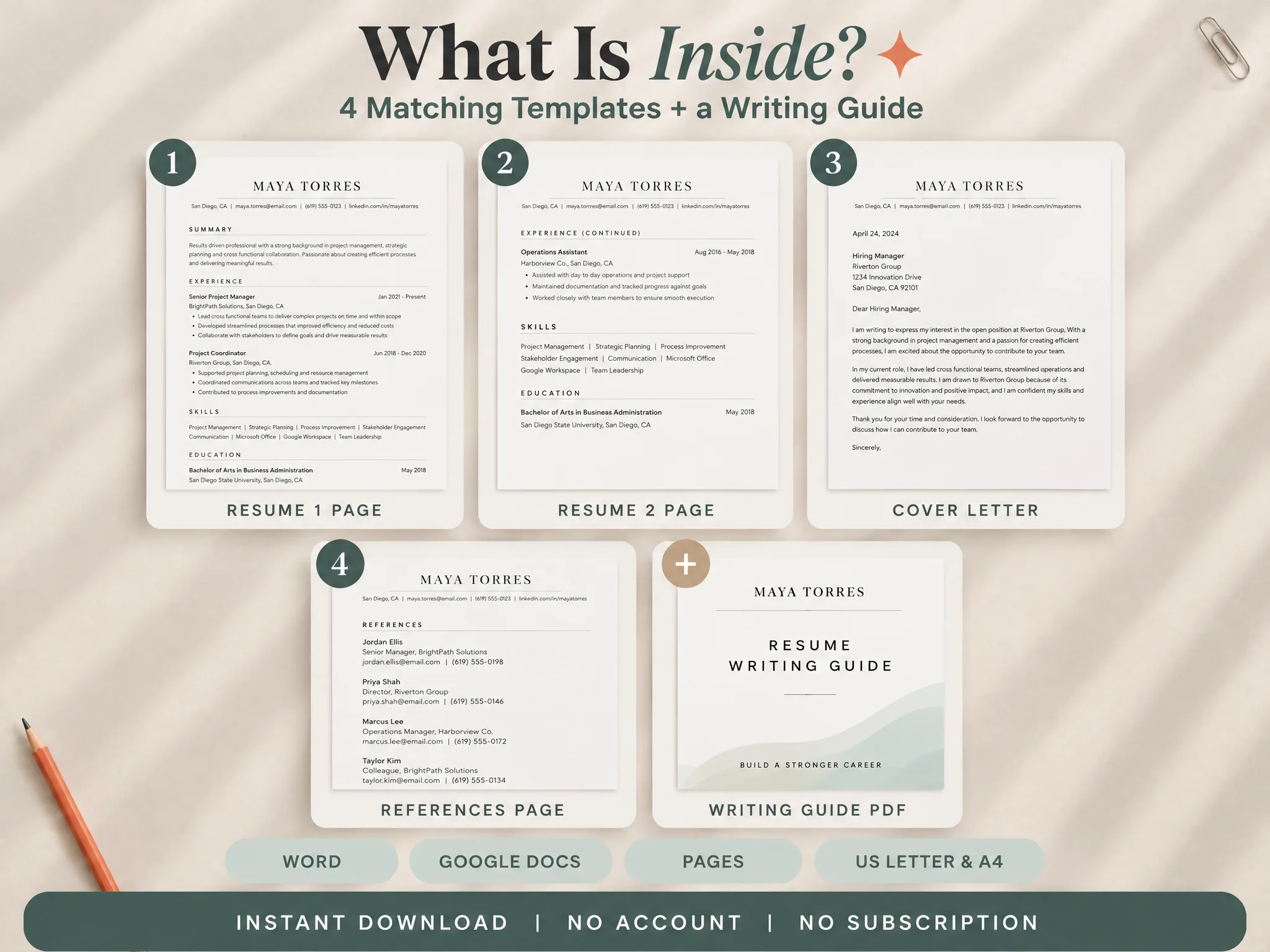
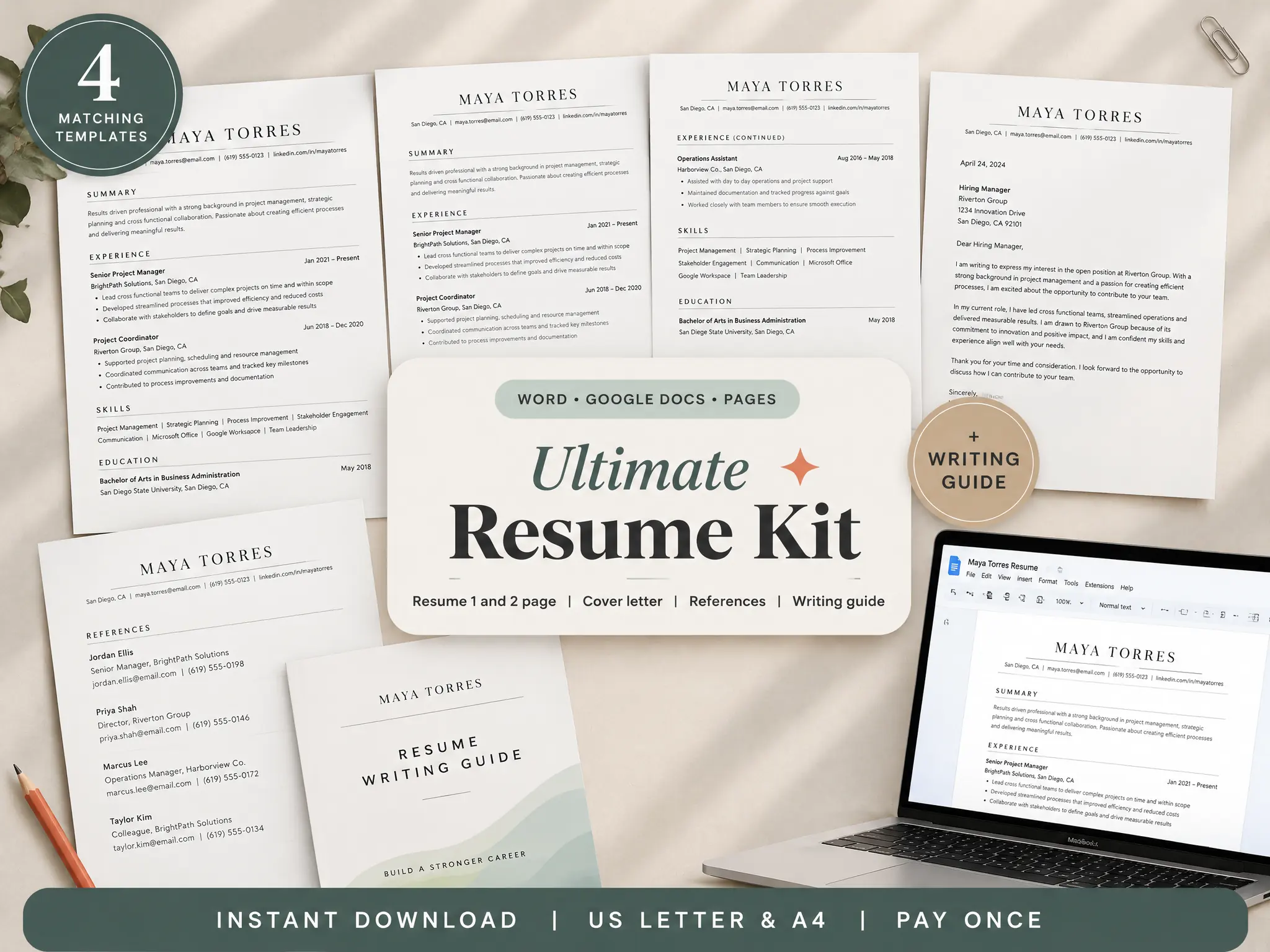
If you need a starting point for the files themselves, Ultimate Resume Kit includes one-page and two-page resume templates, a matching cover-letter template and a references page. Its listed formats include Word, Google Docs and Pages, with US Letter and A4 sizes. You still choose the examples, tailor the letter, and follow each employer's upload instructions.
Where Ultimate Resume Kit fits
Ultimate Resume Kit includes a one-page and a two-page resume template, a matching cover-letter template, a references page and a PDF writing guide. Its listed formats include Word, Google Docs and Pages, with US Letter and A4 sizes. The kit gives you editable starting files; it does not choose your examples or determine how an employer handles an application.
Use the matching resume and cover letter files if you want to start from a shared visual system, then tailor the content and export the exact format the employer requests. Compare the output with the checklist above before sending it.
Why trust this article
Ultimate Resume Kit by Cosmo Suite publishes resume and application guidance alongside its document templates. We checked the cited university and U.S. Department of Labor CareerOneStop guidance on 31 October 2026. The examples in this article are fictional prompts, not a hiring outcome or a test of an applicant tracking system. Employer instructions and application systems can vary, so check the requirements for each role.
Frequently asked questions
Should a cover letter match a resume?
Keep the shared details consistent, such as your name, contact line, type style, color and margins. The cover letter can use normal paragraphs while the resume uses sections and bullets.
Should a cover letter use the same font as a resume?
Using the same readable font and a similar size is a simple way to make the pages feel related. Harvard's resume guidance recommends the same font type and size across the resume and cover letter.
Should my resume and cover letter be in the same file?
Follow the application instructions. If it requests separate uploads, keep separate files. If it asks for one PDF, combine them in the requested order and check the final file.
What should match between a resume and cover letter?
Match your name and contact details, font family, heading style, restrained color, and page margins. Tailor the body of each document to its purpose and the specific job.
Can I use different templates for a resume and cover letter?
Yes, if the finished pages share a few visual cues and remain easy to read. You do not need identical layouts; the letter's paragraphs should not be forced into the resume's section structure.
Do I need a cover letter for every job?
Check the posting and application form. CareerOneStop says many employers do not request one; when it is required, tailor it to the role and employer.